Best SMTP Services for Reliable Email Delivery in 2026


A single missed password reset can cost you a customer, and onboarding emails landing in spam can quietly hurt activation. In 2026, reliable email delivery is no longer just about sending – it’s about meeting strict authentication rules, maintaining low complaint rates, and protecting your sender reputation.
The best SMTP services for reliable email delivery in 2026 are Mailtrap, SendGrid, Amazon SES, and Mailgun. For most teams, a managed SMTP provider is the practical choice – offering built-in authentication support, deliverability monitoring, and scalable infrastructure without turning email ops into a full-time job.
We tested each provider against six criteria and here’s how the four established options compare.
How We Evaluated These Providers
- Deliverability infrastructure overshadows everything else. We looked at email authentication support (DKIM, SPF, DMARC), dedicated IP availability, automatic IP warmup, stream separation between transactional and bulk traffic, and how each provider handles bounces, spam complaints, and suppression lists. If a provider can’t demonstrate strong inbox placement, skip the rest of the checklist.
- Analytics comes second – and it’s where many providers quietly disappoint. A “delivered” count tells you almost nothing. We evaluated ISP-level breakdowns, bounce categorization by reason code, spam complaint tracking per campaign, real-time webhooks, and log retention depth. The diagnostic test we applied: if deliverability dropped 15% next Tuesday, would this dashboard help you diagnose it within an hour?
- Pricing & total cost of ownership – the per-email rate is just the starting number. We factored in overage fees, whether dedicated IPs cost extra, and whether critical features like deliverability analytics or email validation are locked behind higher tiers. A $15/month plan that includes everything costs less than a $10/month plan where every useful feature is an add-on. For self-managed solutions like Amazon SES, we also considered engineering hours – estimate the monthly ops burden, multiply by your team’s hourly rate, and add that to the invoice before comparing. Mocking up each provider’s projected monthly bill with a free invoice generator, with base plan, add-ons, overages, and engineering time as separate line items, makes the true cost gap obvious at a glance.
- Developer experience & integration matters more than most comparisons acknowledge. We assessed setup speed, SDK and language coverage, documentation quality, ready-made code snippets, API flexibility, and the breadth of the integrations ecosystem. A provider that gets you from signup to first test email in under 10 minutes with clear docs earns real points here.
- Security was evaluated across TLS encryption standards, API key scoping and permissions, IP whitelisting, two-factor authentication and SSO support, the option to exclude email content from logs, and abuse prevention mechanisms. These matter most for teams in finance, healthcare, or any environment handling sensitive user data.
- Compliance – we checked GDPR and CCPA readiness, data residency options (EU vs. US), DPA accessibility, data retention and deletion controls, and certifications like SOC 2 and ISO 27001. All providers in this comparison meet baseline compliance requirements, but they serve different business needs – and some require significantly more configuration to get there.
Leading SMTP Relay Services Compared
Mailtrap
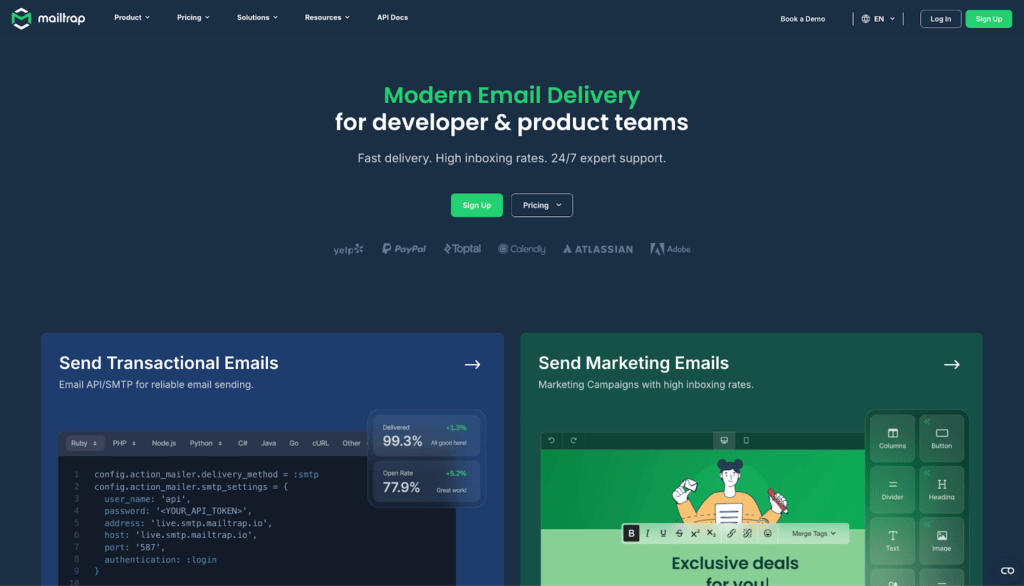
Mailtrap is a deliverability-first email platform built for dev and product teams. The core pitch is simple: high deliverability, fast delivery, and analytics you can actually act on. It provides both SMTP and a RESTful API with automatic IP warmup and throttling that gradually build sender reputation – useful when migrating providers or onboarding a new domain.
The analytics dashboard is where Mailtrap earns its keep. It breaks down performance by mailbox provider, tracks spam complaints in real time, and surfaces deliverability issues before they snowball. Logs are retained for up to 30 days, depending on plan tier, with millisecond-level tracking for transactional messages.
Where Mailtrap really shines is developer experience. Setup takes minutes: verify your domain via DNS, grab credentials or an API key, and send a test email.
The platform provides SDKs for Python, PHP, Node.js, Ruby, Java, and Elixir, plus 25+ ready-made code snippets so you’re not writing boilerplate. Documentation is thorough and well-maintained.
Integrations lean developer-forward – Supabase, Vercel, n8n (one of the fastest-growing automation platforms), Zapier, Heroku, and more. Support is 24/7 with actual tech and deliverability experts, not just a help desk.
Pricing is among the most competitive in this comparison: free tier (4,000 emails/month), Basic from $15/month for 10,000 emails, and Business plans with dedicated IPs starting at $85/month for 100,000 emails. At $30/month for 100k emails on Basic, it undercuts most alternatives at that volume.
Honest tradeoffs: Mailtrap doesn’t include a full-featured visual campaign builder or A/B testing for marketing – it now offers email marketing tools, but they’re lightweight by design. Analytics retention maxes out at 30 days. The community footprint is smaller than SendGrid or SES, so third-party tutorials are thinner on the ground. Teams needing deep marketing automation will pair Mailtrap with a dedicated tool or look elsewhere.
SendGrid (Twilio)

SendGrid covers the widest feature surface: transactional sending, marketing automation, templates, A/B testing, and suppression handling under one roof. Free tier at 100 emails/day, Essentials at $19.95/month (50k – 100k emails), Pro at $89.95/month with dedicated IPs and email validation.
The platform earns its keep in organizations that need a single vendor for both transactional relay and marketing campaigns. The template builder and segmentation tools make it viable as a standalone email platform.
Honest tradeoffs: Developer feedback on shared-IP deliverability has been mixed on lower-tier plans. Some teams report inconsistent inbox placement until upgrading to Pro for a dedicated IP. Twilio’s acquisition also layered on pricing complexity – validation, subuser management, and premium support all cost extra.
Amazon SES
SES wins on unit cost: $0.10 per 1,000 emails, pay-as-you-go, with a first-year free tier of 3,000 messages/month. It integrates natively with Lambda, SNS, and CloudWatch.
Honest tradeoffs: SES trades cost for operational burden. Bounce handling, complaint processing, and reputation monitoring fall on your team. There’s no built-in stream separation – you architect that yourself with separate configuration sets. The Virtual Deliverability Manager add-on ($0.07/1,000 emails) helps but still demands more manual work than managed alternatives. A useful exercise: estimate monthly engineering hours for SES ops, multiply by your team’s hourly rate, and add that to the SES bill before comparing.
Mailgun (Sinch)
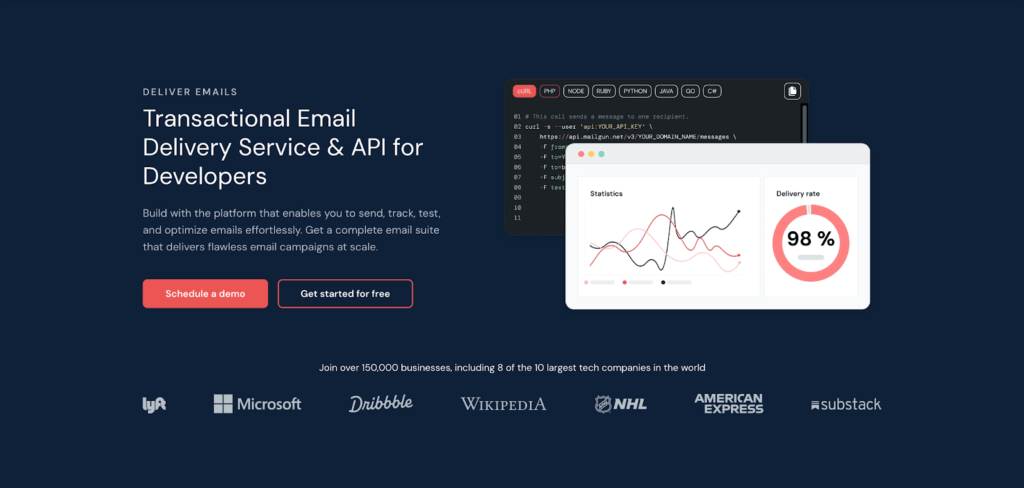
Mailgun targets teams wanting granular API control. Foundation at $35/month, Growth at $90/month. Strengths are flexible routing rules, real-time webhooks, and US/EU data region selection – practical for GDPR compliance.
Honest tradeoffs: Out-of-the-box deliverability analytics aren’t as deep as Mailtrap’s or SendGrid’s. You’ll likely need third-party tools (GlockApps, Mail Tester) for detailed inbox placement testing. The Foundation tier feels light on deliverability features for the price.
Your Next Move
Reliable SMTP delivery in 2026 starts with authentication and ends with continuous validation. Audit your SPF, DKIM, and DMARC setup first – tools like free DMARC/SPF checkers make this step straightforward regardless of which provider you choose. Then pilot one or two SMTP services with real traffic, monitor inbox placement by ISP for at least a week, and test peak-volume scenarios before committing.
The best SMTP provider is the one that maintains inbox placement under real-world pressure – because deliverability issues never appear when it’s convenient.