Top 3 Best Grammar Checkers for Bloggers


Why do we still have spell check built into every single word processor, phone, and browser, but our grammar still looks like a drunken monkey typed it?
The Cold, Hard Truth About Your “Good Enough” Grammar
If you’re like most online marketers, you’re probably churning out content, writing blog posts faster than most people can read ’em, and you think “good enough” is, well, good enough. But let me tell you something – your audience is judging. And search engines? They’re getting smarter. Sloppy writing just screams amateur hour. You wanna make money online? You gotta look the part. And that means not sounding like a third grader.
This ain’t about being a grammar snob. It’s about being professional. It’s about making your content easy to read and digest. Because if it’s not, people bounce. Simple as that. You put all that effort into learning how to write good content, don’t let a missing comma or a misplaced apostrophe screw it up. So yeah, we’re talking about the best grammar checkers for bloggers. And no, your browser’s basic spell check doesn’t count.
Grammarly: The OG, Still Kicking Ass (Mostly)
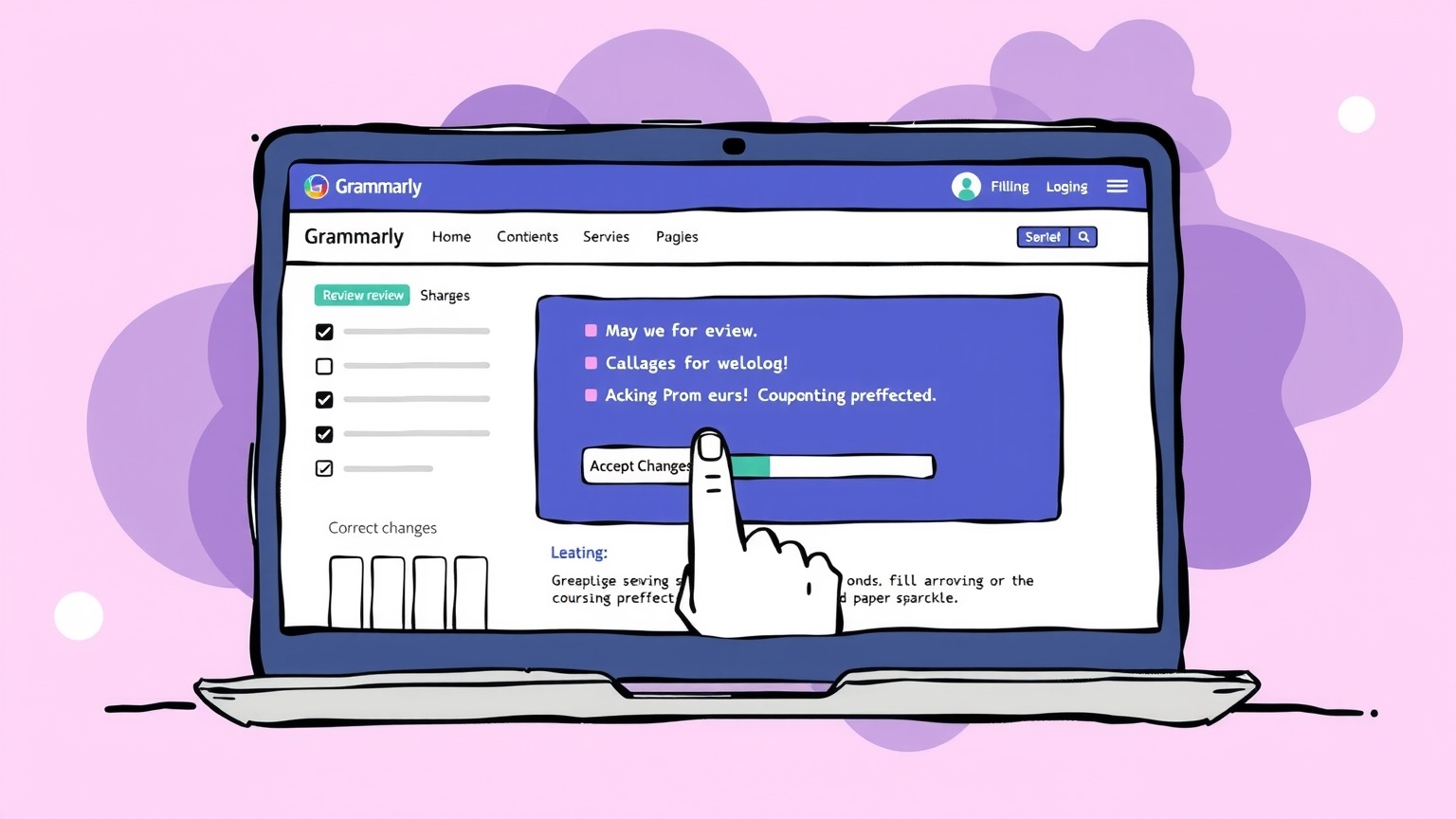
You probably already know about Grammarly. It’s like the McDonald’s of grammar checkers – everybody’s used it, and it gets the job done. For a lot of bloggers, it’s the default. And for good reason, tbh.
- What it does: Catches your basic typos, spelling errors, and a boatload of grammatical mistakes. It’ll even flag awkward phrasing and suggest rephrasing for clarity. The premium version goes deeper, hitting tone, conciseness, and more advanced style issues.
- AI Features: Grammarly’s been leaning hard into AI for a while now. They’ve got features that can rewrite sentences for you, adjust your tone, and even help you brainstorm ideas. It’s pretty slick for when you’re staring at a blank page or just need a fresh perspective. Makes it easier to write blog posts faster.
- Integrations: This is where Grammarly shines. It’s everywhere. Browser extensions for Chrome, Firefox, Edge. Desktop apps. Integrates directly into Microsoft Word, Google Docs, even email clients. So it’s literally checking your stuff almost everywhere you type.
- The Downside: Sometimes it can be a bit too aggressive, especially with style suggestions. You gotta use your own judgment. And the free version is fine for basic stuff, but you’re gonna want Premium for the real power features. Pricing can add up, but if you’re serious, it’s an investment.
ProWritingAid: For the Long-Form Content Grinders
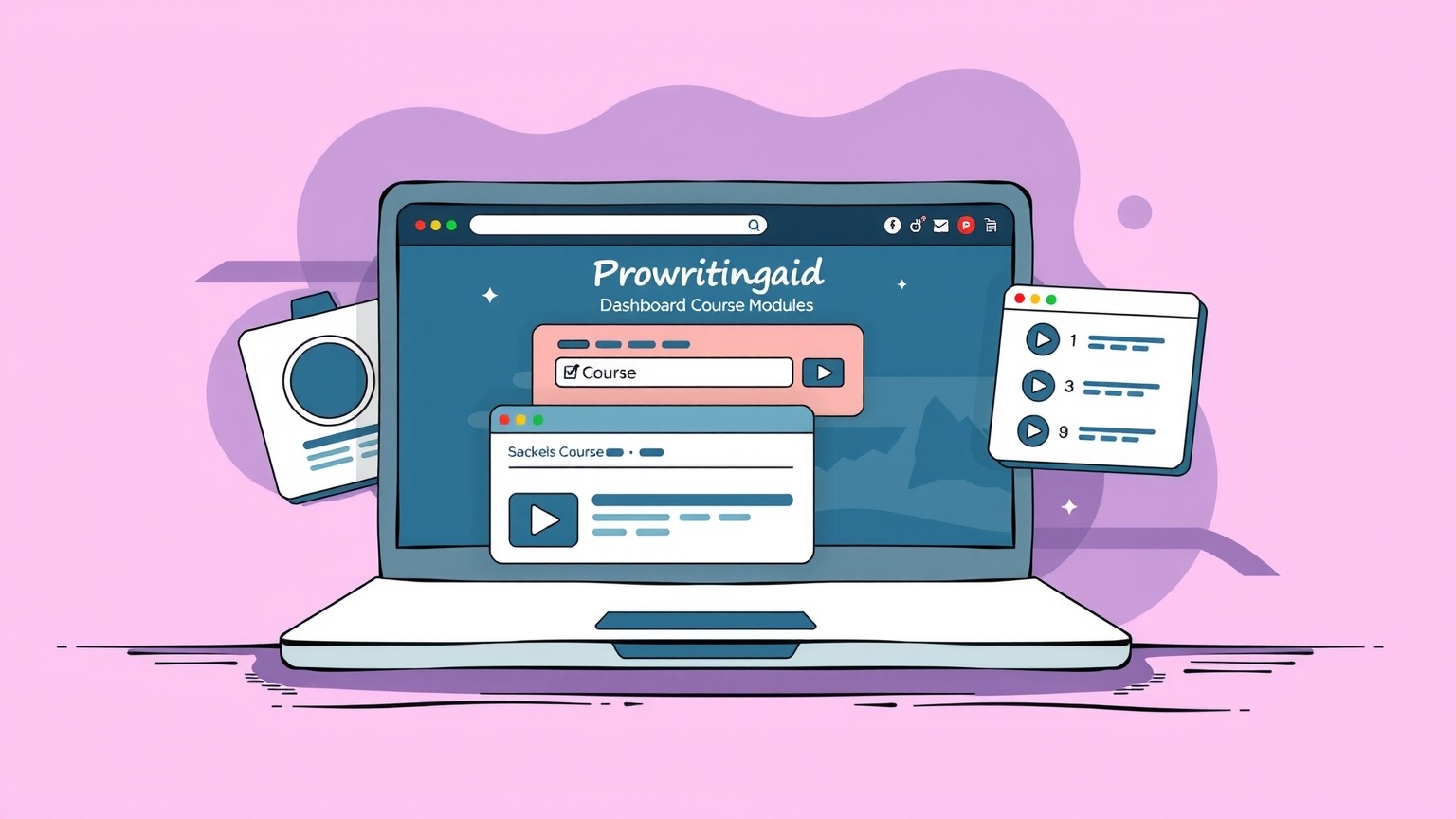
If you’re writing epic, long-form content – like full guides, e-books, or really comprehensive blog posts – ProWritingAid might be your secret weapon. This isn’t just a grammar checker; it’s a full-blown writing coach.
- What it does: Oh, man, it does a lot. Beyond grammar and spelling, it gives you like 20 different reports. We’re talking sticky sentence reports, cliché reports, readability scores (super important for bloggers!), pacing, transition usage, even duplicate words. It breaks down your writing in a way that makes you actually learn how to write better, not just fix mistakes.
- AI Features: ProWritingAid uses AI to analyze your writing style and suggest improvements. It’s more about detailed stylistic analysis than just quick rewrites, which is awesome for improving the overall quality and flow of your content.
- Integrations: Solid. Browser extensions, integrations with MS Word, Google Docs, Scrivener, Open Office, and even desktop apps for Mac and Windows. It’s not as ubiquitous as Grammarly, but it covers the main bases for serious writers.
- The Downside: The sheer number of reports can be overwhelming at first. It takes a bit of time to get used to it and figure out which reports are most useful for you. Also, it can feel a little less “instant gratification” than Grammarly because it’s so focused on deep analysis.
QuillBot: AI Rewriting Powerhouse with a Grammar Perk

QuillBot is kinda different. While it *does* have a grammar checker, its main jam is paraphrasing and AI writing. But for bloggers, especially those who struggle with writer’s block or need to rephrase content quickly, it’s a game-changer.
- What it does: Its core function is the paraphraser. You feed it text, and it spits out multiple versions, different tones, different styles. Super useful for avoiding plagiarism (if you’re pulling info from other sources and need to make it original) or just finding a better way to say something. The grammar checker is good, but it’s part of a bigger AI suite. It also has a summarizer and a citation generator.
- AI Features: This whole tool is AI. It uses natural language processing to understand, rewrite, and generate text. If you’re looking to leverage AI to speed up your content creation process and get fresh angles on existing info, QuillBot is definitely one of the software and services to check out.
- Integrations: Browser extensions, Word, and a standalone web app. It’s designed to be quick and easy to use.
- The Downside: The grammar checker isn’t as robust or feature-rich as a dedicated tool like Grammarly or ProWritingAid. It’s more of a handy add-on to its powerful paraphrasing capabilities. So if grammar is your only concern, it might be overkill, or not deep enough.
Other Contenders and What to Look For
Yeah, there are others out there. WhiteSmoke, LanguageTool, Ginger, even built-in tools like Microsoft Editor. Some are decent, some are meh. But here’s what you gotta keep an eye on when you’re picking your weapon:
- Accuracy: Does it actually catch mistakes, or does it just flag random words?
- AI Capabilities: How smart is it? Can it suggest rewrites, improve tone, or just highlight red squiggly lines?
- Integrations: Where do you write? Does the tool work there? If it’s a pain to use, you won’t use it.
- User Experience: Is it clunky, or does it make your workflow smoother?
- Pricing: What’s your budget? Free versions are great for a taste, but the real power is usually behind a paywall. Value for money is key.
Which One Should YOU Pick? (Because They’re Not All the Same)

This isn’t a “one size fits all” situation. The best grammar checker for *you* depends on your specific grind:
- For the Everyday Blogger / General Content Creator: Grammarly is probably your safest bet. It’s versatile, easy to use, integrates everywhere, and its AI features are getting seriously good at helping you refine your writing on the fly. It’s a great all-rounder.
- For the Deep-Dive, Long-Form Author / Aspiring Writer: ProWritingAid hands down. If you’re writing longer pieces and want to truly improve your craft, not just fix errors, its detailed reports are invaluable. It’s less about quick fixes and more about becoming a better writer.
- For the Content Repurposer / Idea Generator / Speed Demon: QuillBot is a fantastic addition. It’s not a direct replacement for a dedicated grammar checker, but if you’re constantly rephrasing, summarizing, or trying to generate different versions of content, its AI power is unmatched. Pair it with Grammarly for the ultimate combo.
Don’t be cheap when it comes to tools that directly impact your income. These things aren’t just about catching typos; they’re about improving your authority, readability, and ultimately, your bottom line. Invest in yourself, invest in your content.
Stay hustlin’,
Stephen